See what you’re playing, anywhere

chord analysis from your DAW

to your phone or tablet

and over the web

Free for Mac & Windows

To see your playing on your phone or tablet, get the apps:

Download on the App StoreComing soon to Google PlayComing soon

For producers: See what you're playing in your DAW, or across the room on your phone or tablet

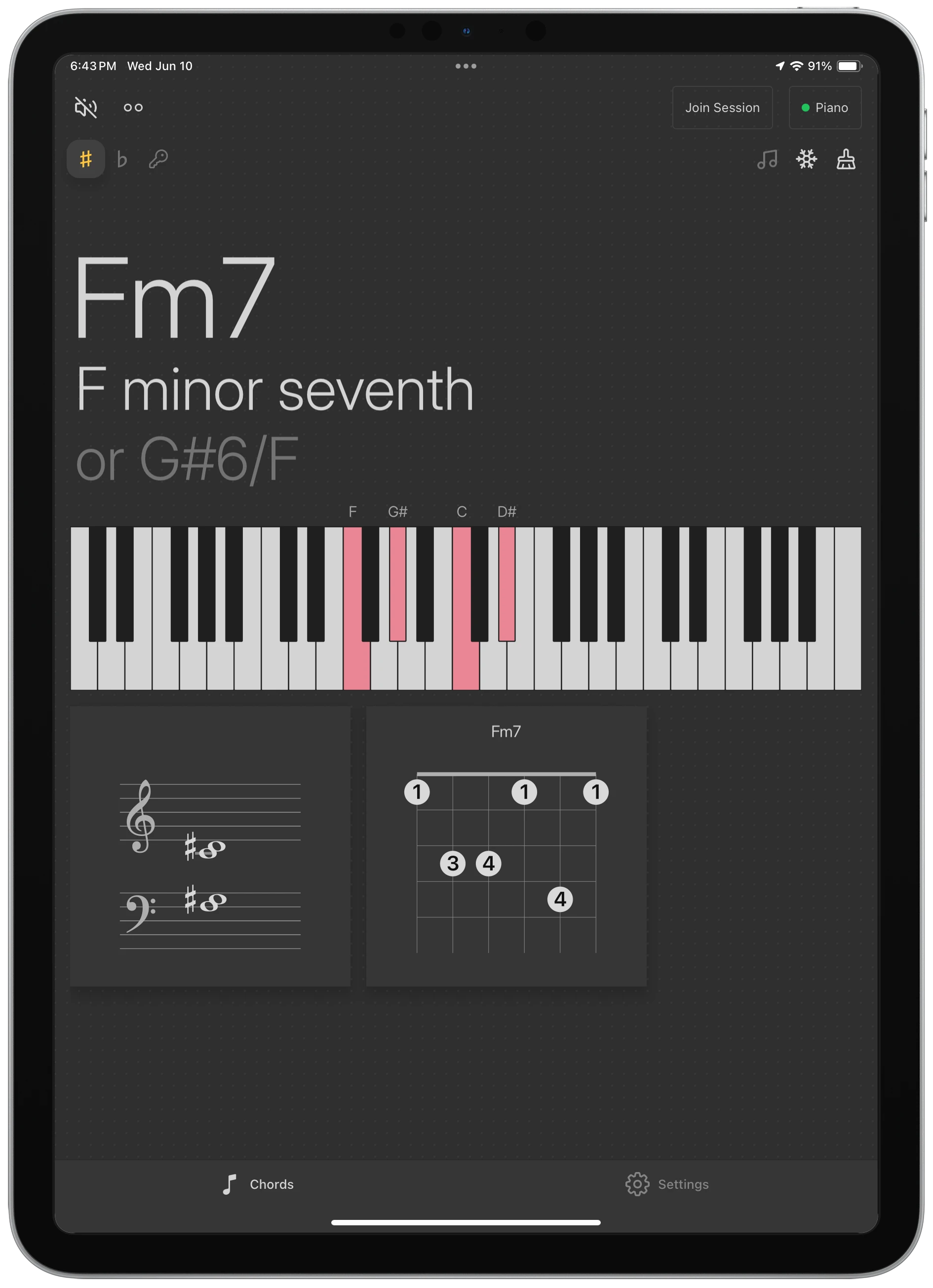
Reflection analyzes chords as you play. Use the free VST or AU directly in your DAW, or broadcast to an iPhone, iPad, or Android over Wi-Fi.

  • Free VST3/AU plugin works in almost any DAW, like Ableton Live, Logic Pro, FL Studio, Reaper, and any host on Mac and Windows
  • With Reflection Desktop, broadcast to up to 3 mobile devices over Wi-Fi
  • Even share your session over the web to unlimited viewers with Reflection Connect.
  • Chord and note names show up as you play
  • No MIDI mapping, no setup
Download Reflection
Reflection on an iPad showing a chord, its notes, and a scale

For players, learners, and teachers: A chord tutor in your pocket

Plug in a MIDI keyboard and Reflection works completely standalone.

  • Laptop but no DAW? Download Reflection and connect a MIDI keyboard to your computer and play: no DAW required
  • Mobile device but no laptop? Install Reflection on your device and connect a MIDI keyboard and play: no computer or DAW required
  • Built-in sounds: piano, strings, and more
  • Keys, modes, and handy chord references
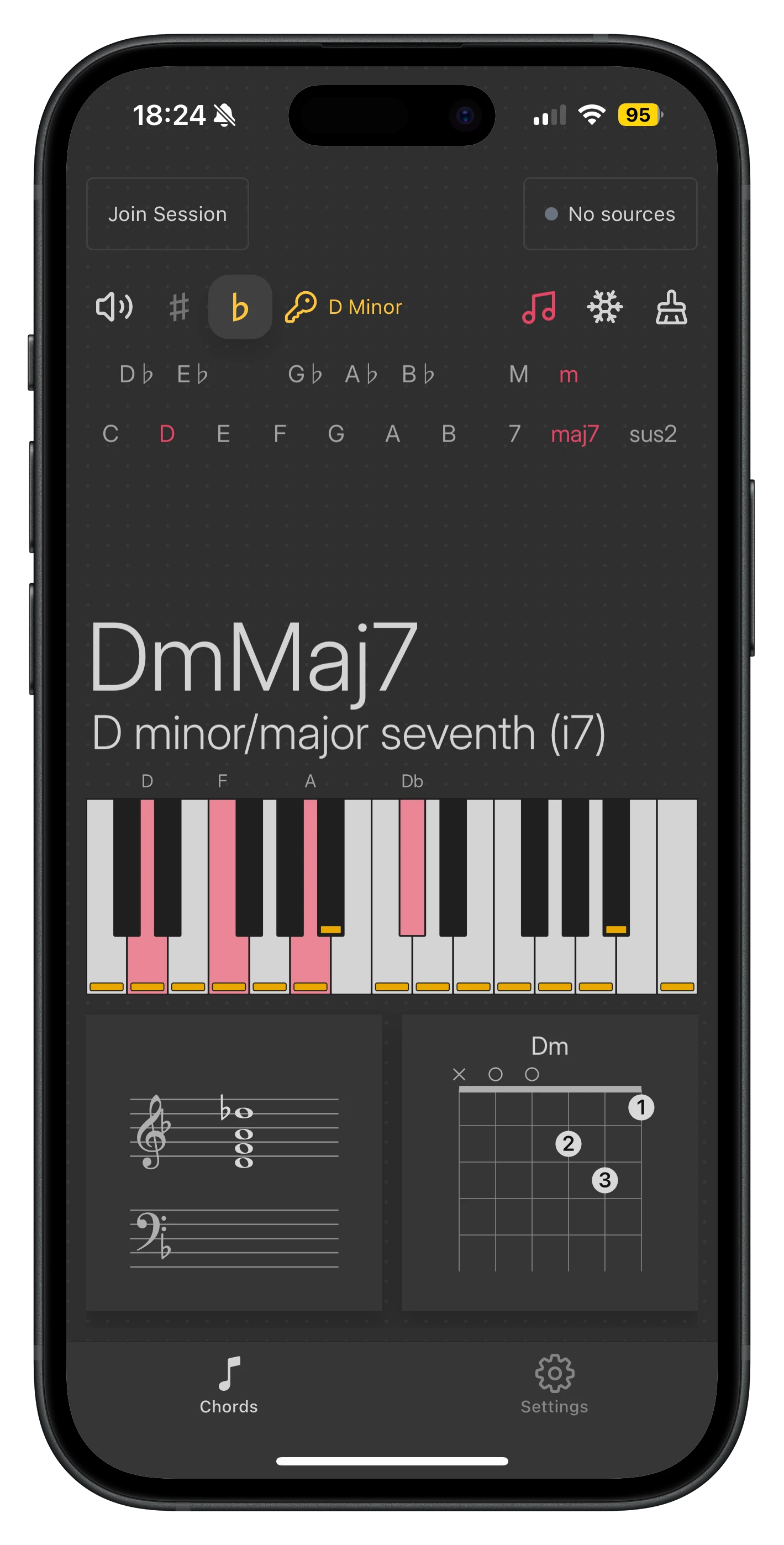
  • See chord analysis, notes, guitar and piano staff notation in real time
Download Reflection
Reflection on an iPhone showing a chord and its notes

What you can do with Reflection

The plugin and Desktop app run on your computer. Mobile and Connect extend Reflection beyond your desk.

Plugin
Mac & Windows
Free
Chords, notes & keyboard
Chord & scale analysis
Piano / staff notation
Guitar chord diagrams
Chord input
Built-in sounds (synth & sampler)
Works in your DAW (VST3 / AU)
Use standalone with a MIDI controller or piano
View across the room (phone / tablet)
Share over the web to students or collaborators anywhere
Desktop
Mac & Windows
7-day trial · $29.99
Chords, notes & keyboard
Chord & scale analysis
Piano / staff notation
Guitar chord diagrams
Chord input
Built-in sounds (synth & sampler)
Works in your DAW (VST3 / AU)
Use standalone with a MIDI controller or piano
View across the room (phone / tablet)
Up to 3 devices
Share over the web to students or collaborators anywhere
Mobile app
iPhone, iPad, or Android
7-day trial · $14.99
Chords, notes & keyboard
Chord & scale analysis
Piano / staff notation
Guitar chord diagrams
Chord input
Built-in sounds (synth & sampler)
Works in your DAW (VST3 / AU)
Use standalone with a MIDI controller or piano
View across the room (phone / tablet)
1 device
Share over the web to students or collaborators anywhere
join free
Relay
requires Desktop
coming soon
Chords, notes & keyboard
Chord & scale analysis
Piano / staff notation
Guitar chord diagrams
Chord input
Built-in sounds (synth & sampler)
Works in your DAW (VST3 / AU)
Use standalone with a MIDI controller or piano
View across the room (phone / tablet)
Up to 50 devices
Share over the web to students or collaborators anywhere

Share your session, teach from anywhere

With Reflection Connect, broadcast what you're playing to unlimited students, collaborators, or followers over the web. Or up to 50 devices on Wi-Fi.
Perfect for lessons, collaborating, or live streaming.

Teacher's computer running Reflection
Student's browser showing the Reflection session

Use Ableton Live? You might like Grip.

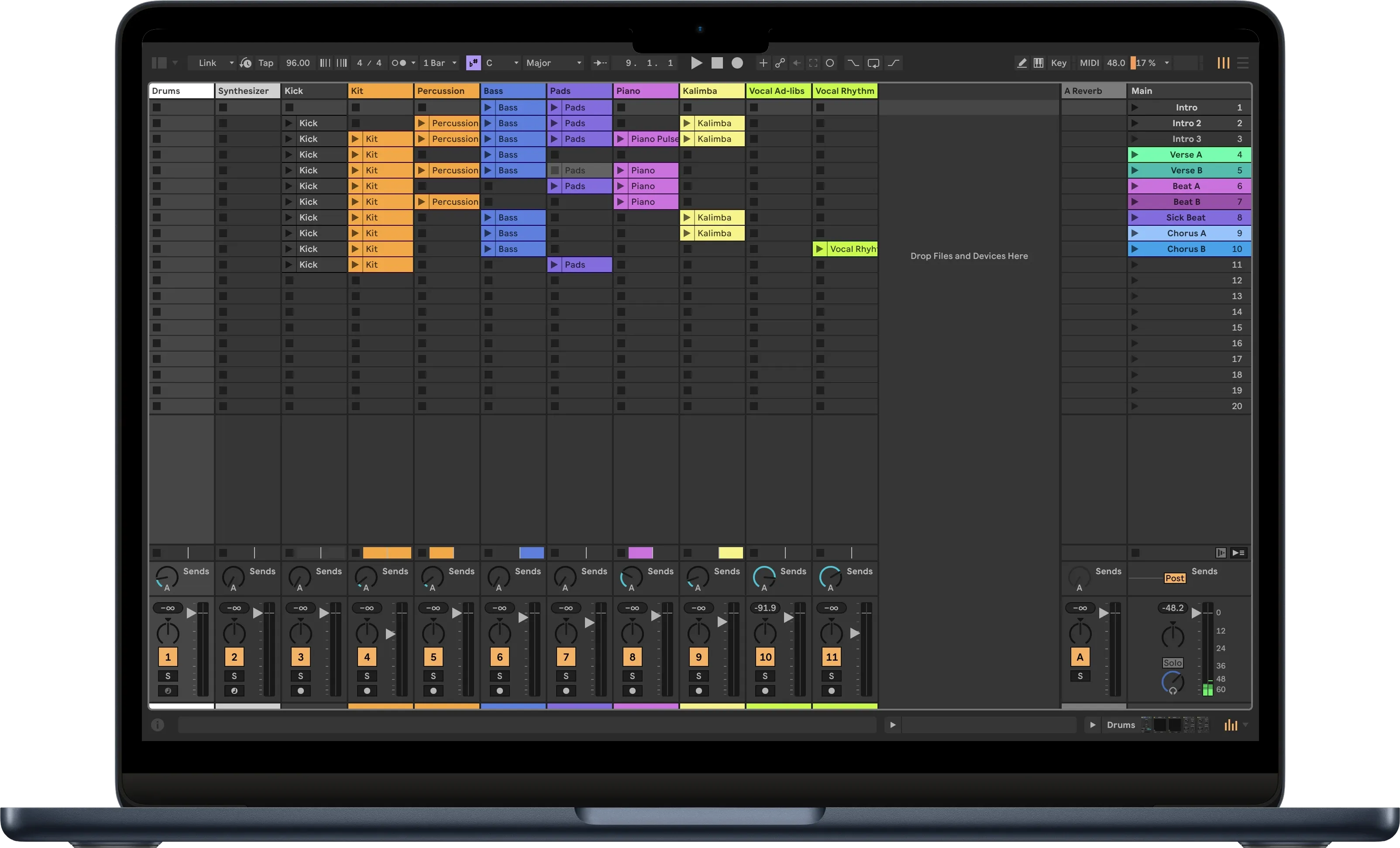
Stay in creative flow with Grip, the app for Ableton Live. Available for Mac, Windows, Android, and iOS.

Ableton Live session view on a MacBook

Stay up to date on Reflection and other upcoming products